Want to access Wyylde on a cell phone? The good news is that Wyylde is a responsive and fully responsive site that works perfectly on cell phones. It is therefore accessible from most phones and tablets.
The not so good news is that there is no application on the stores at the moment. You won't find Wyylde in the App Store or Google Play.
Yes, it's a bit of a shame, but don't worry: once you open your Wyylde account via your smartphone, we promise you won't miss an app at all. The libertine site works perfectly without, directly from your browser.
To read: Our complete guide to Wyylde
| Key point | Detail |
|---|---|
| Mobile access | Wyylde is 100 % responsive: use Safari, Chrome, Firefox... without installing an app. |
| No official application | No Wyylde app is currently available on the App Store or Play Store. |
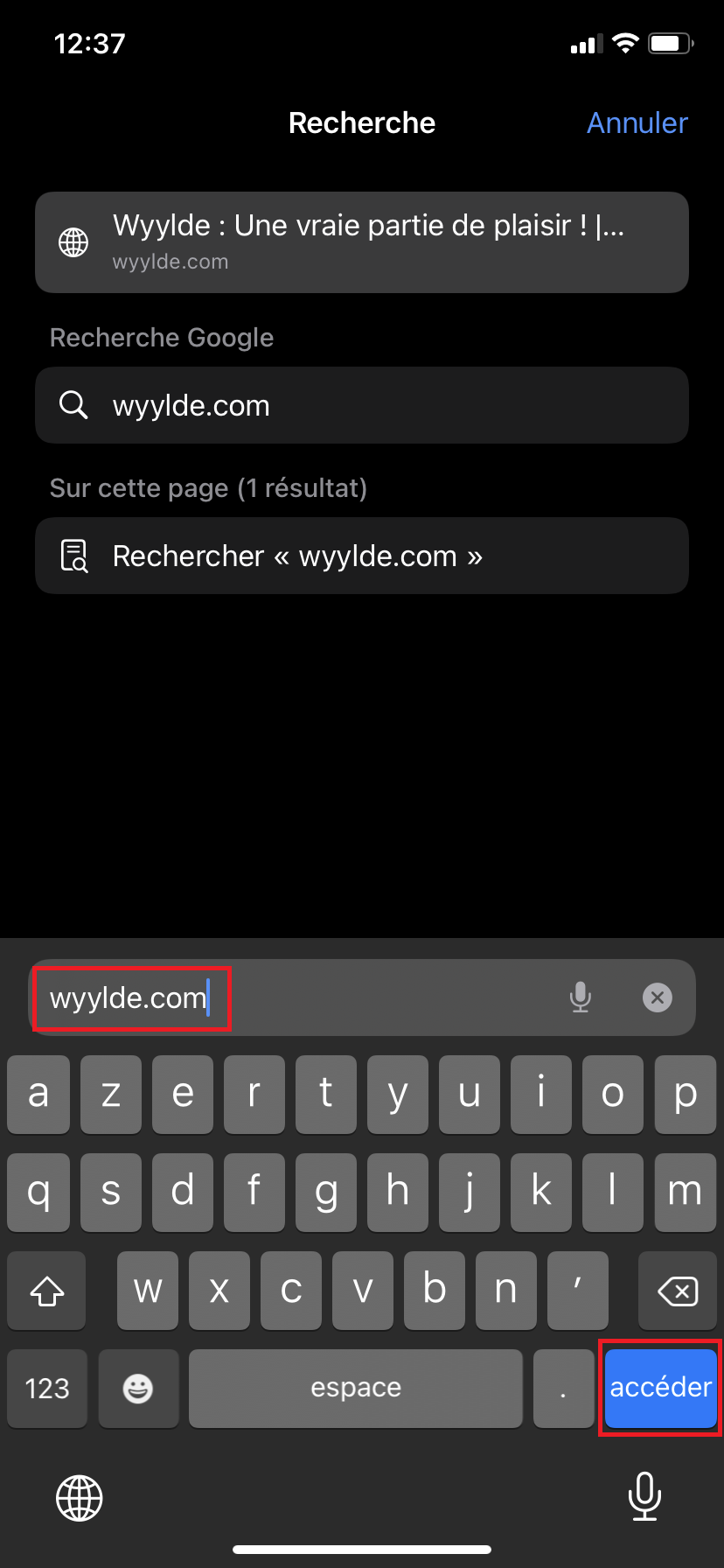
| Opening via browser | Simply type wyylde.com in the address bar of your mobile or tablet. |
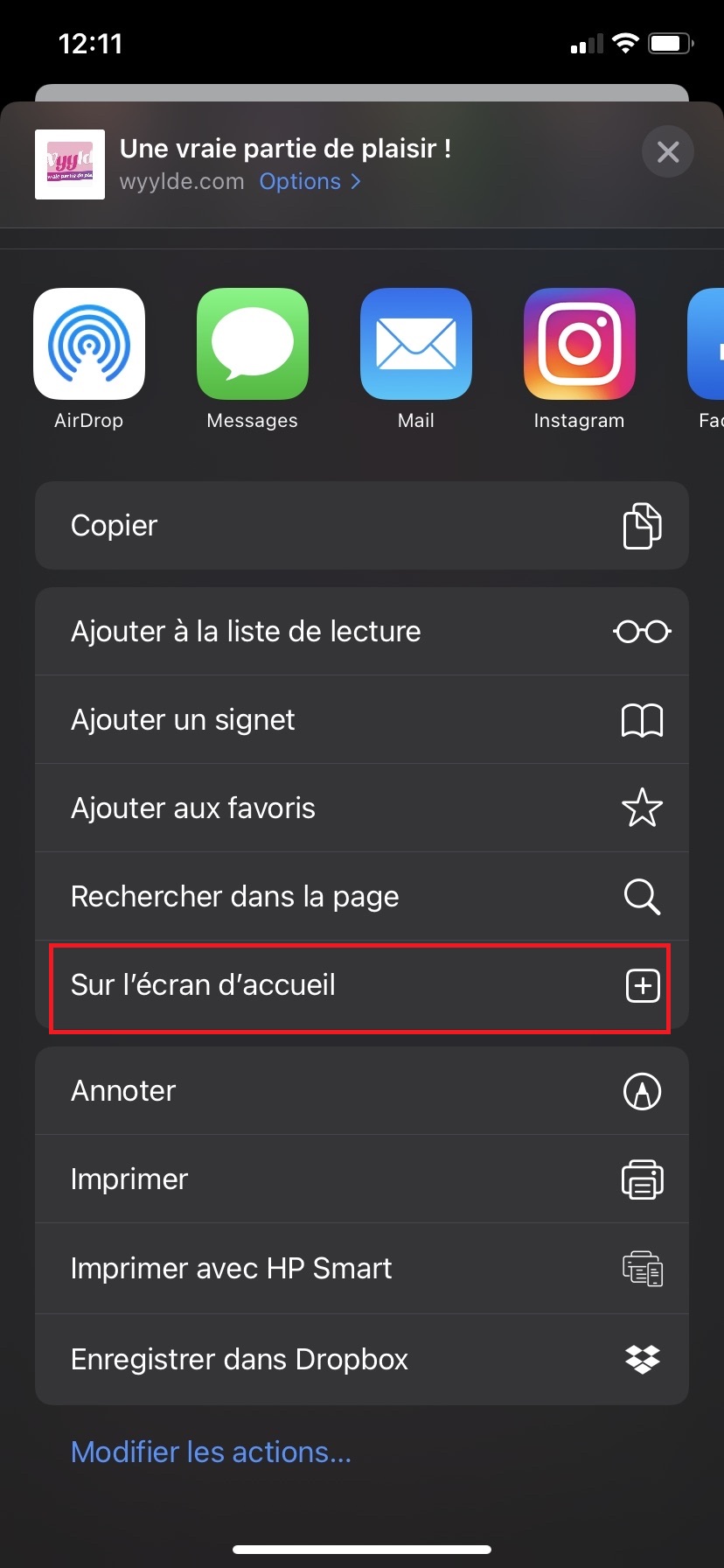
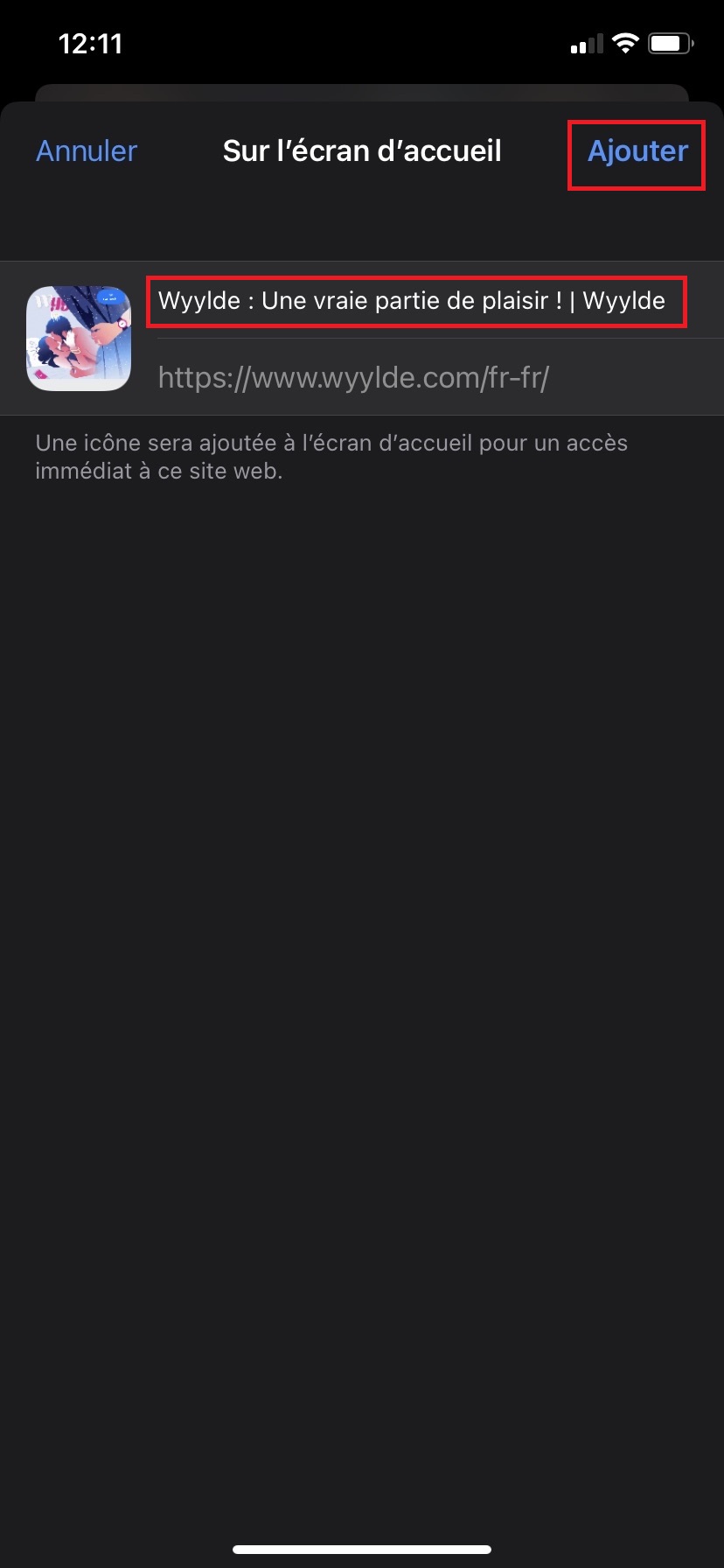
| Add to iOS | In Safari, touch Share → On the home screen to create an app icon. |
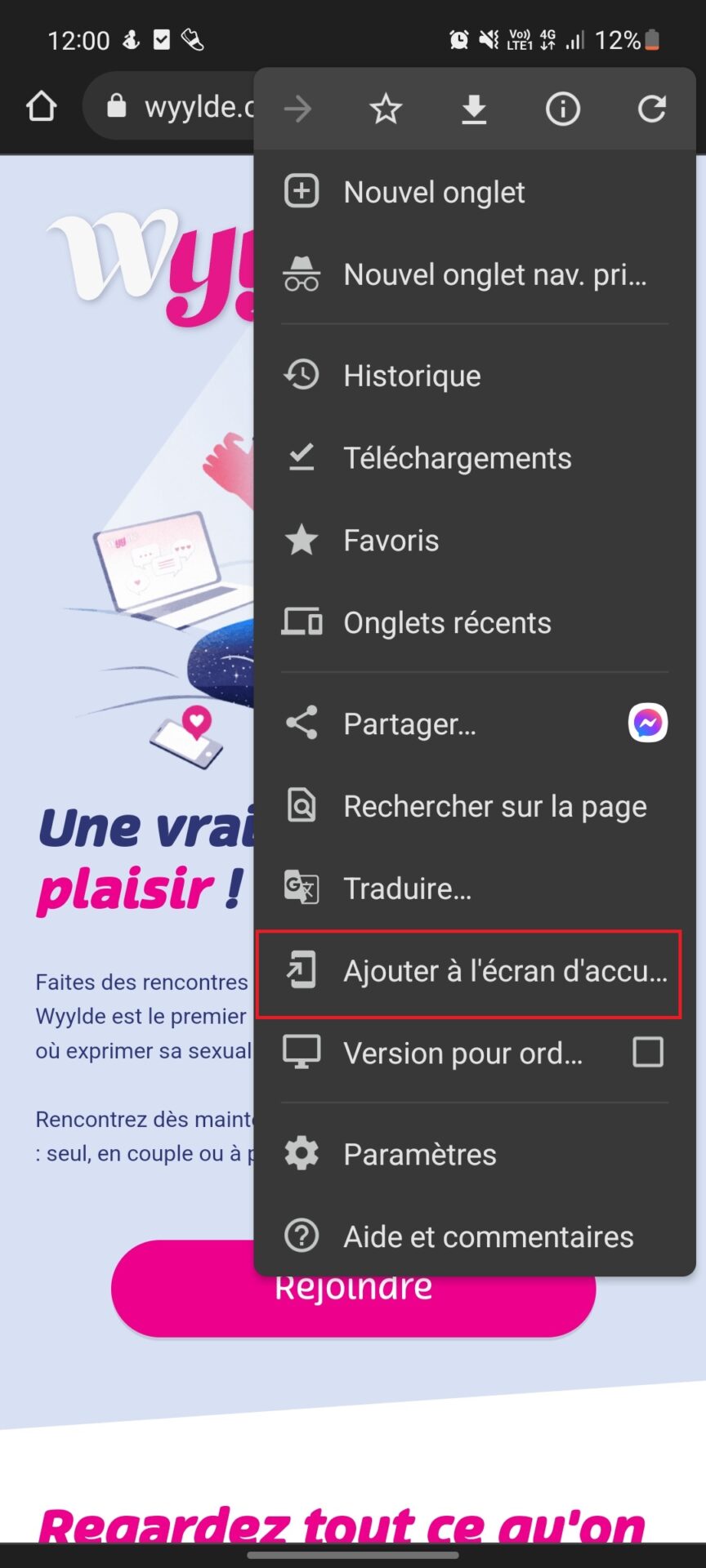
| Add to Android | In Chrome, open the ⋮ menu and choose Add to home screen. |
| Unofficial APK | Avoid downloading third-party APKs: risk of malware and lack of reliable updates. |
Why doesn't Wyylde have an official application on the stores?
This is no oversight on Wyylde's part. Application stores (App Store and Google Play) apply very strict rules regarding adult content.
Any platform displaying sexually explicit content, no matter how serious and legal, is systematically refused, if you don't bend the rules a little to get some. freedom applications…
That's why Wyylde made the strategic choice to develop a 100% responsive website, perfectly optimized for smartphones and tablets.
Wyylde has no application, but is usable on mobile
Wyylde is optimized for mobile useThis means the website adapts to the screen size of your device. This means you don't need to download an app from the App Store or Play Store to access Wyylde on your phone or tablet.
You can log into Wyylde from the same location as on a desktop computer: https://wyylde.com/. The layout will change depending on the type of device you are using, but all of Wyylde's features work just as well as on your computer.
Wyylde works with all browsers and with any operating system (Android, iOS) on your phone or tablet (mobile). This allows Wyylde members to stay connected with other libertines even when they are not at home in front of their computer.
You can also manually update the mobile version !
Access Wyylde on your smartphone: Android and iOS (Apple)
Fortunately, it is possible to access the famous site libertine (ex Netchangism) directly from your cell phone or tablet.
Here are a few things you should know before connecting to Wyylde with your cell phone:
- Make sure to have a Wyylde account and a smartphone
- You cannot access the site via the App Store or PlayStore as Wyylde does not have an application.
- You can access it via most browsers: Safari, Chrome, Firefox, Samsung Internet or any other internet application.
Here's how access to Wyylde on phone :
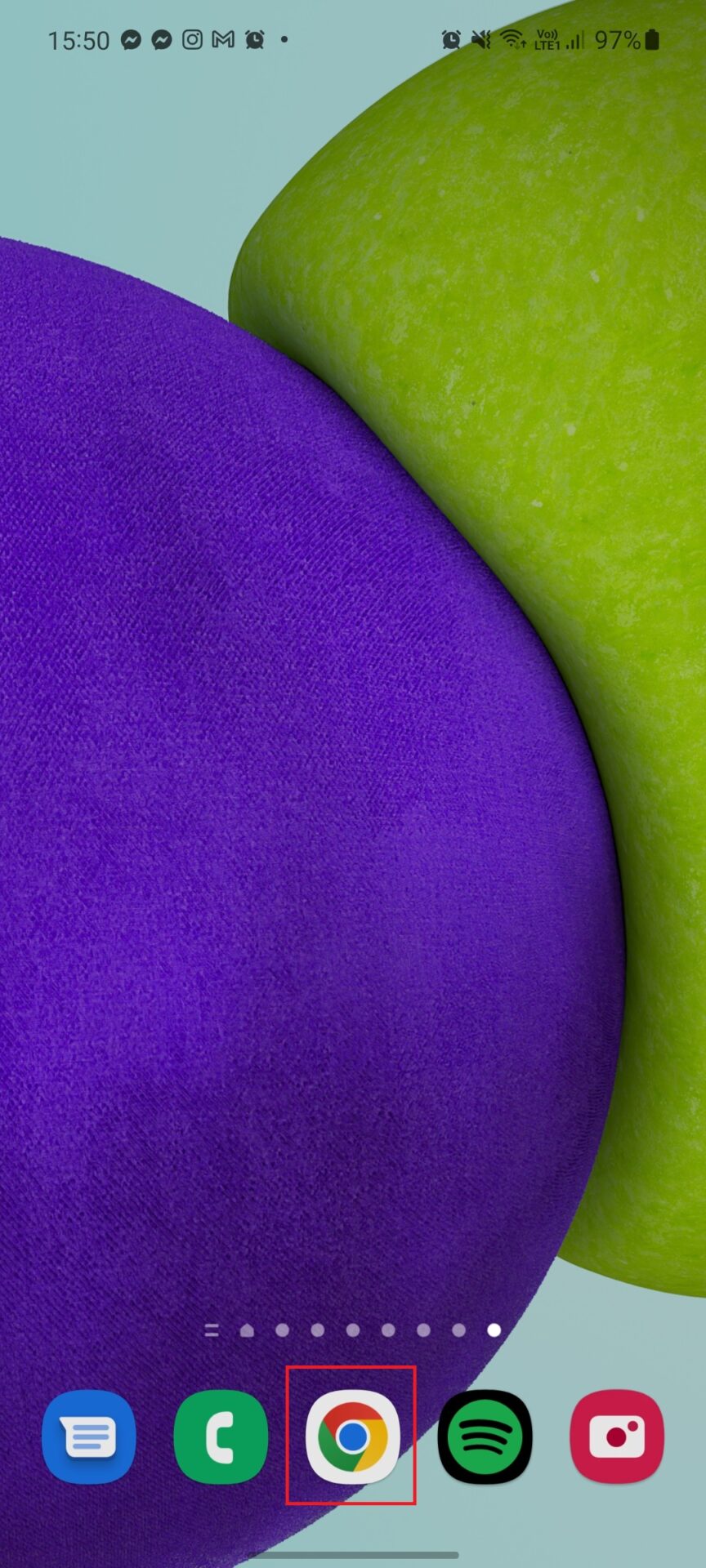
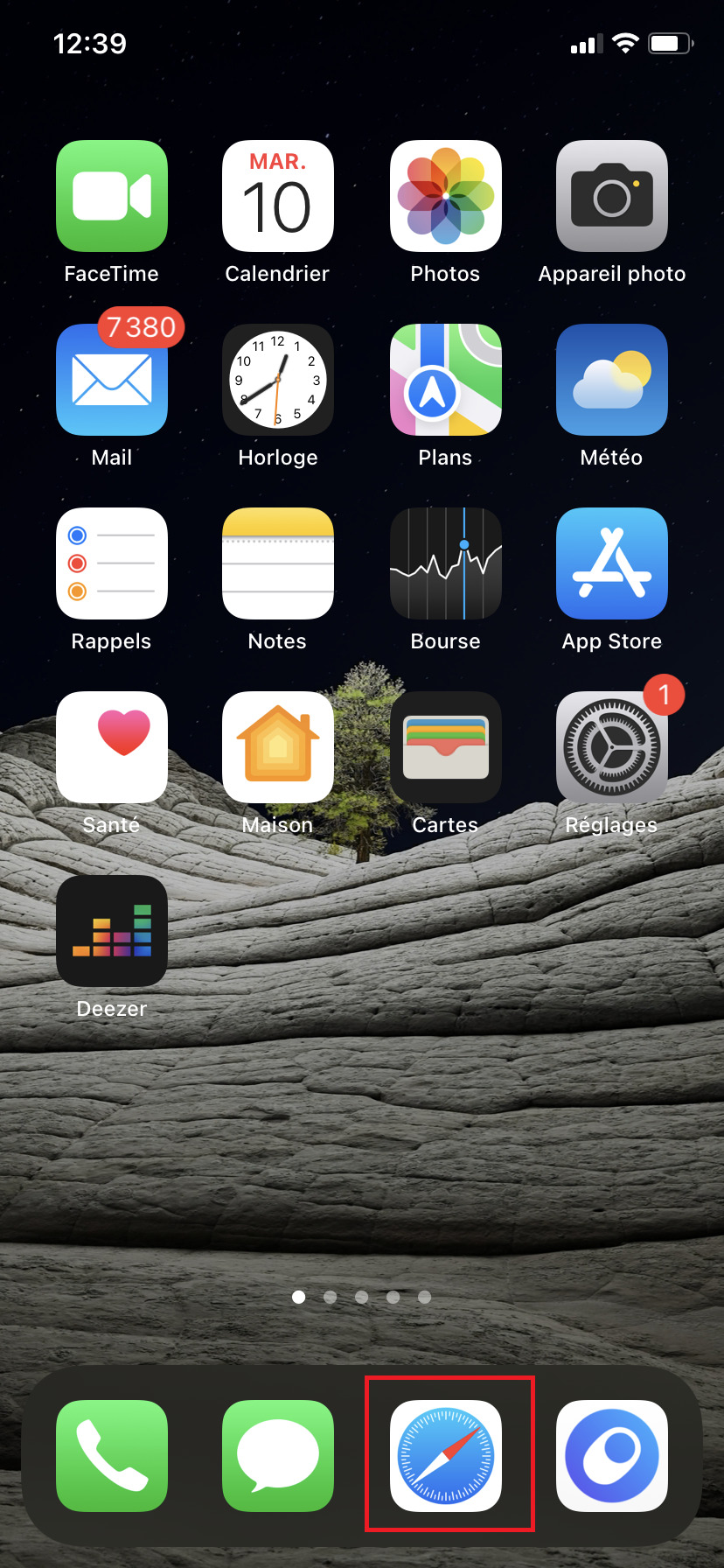
- Open your favorite browser, for example "Safari" or "Chrome" from your home page.
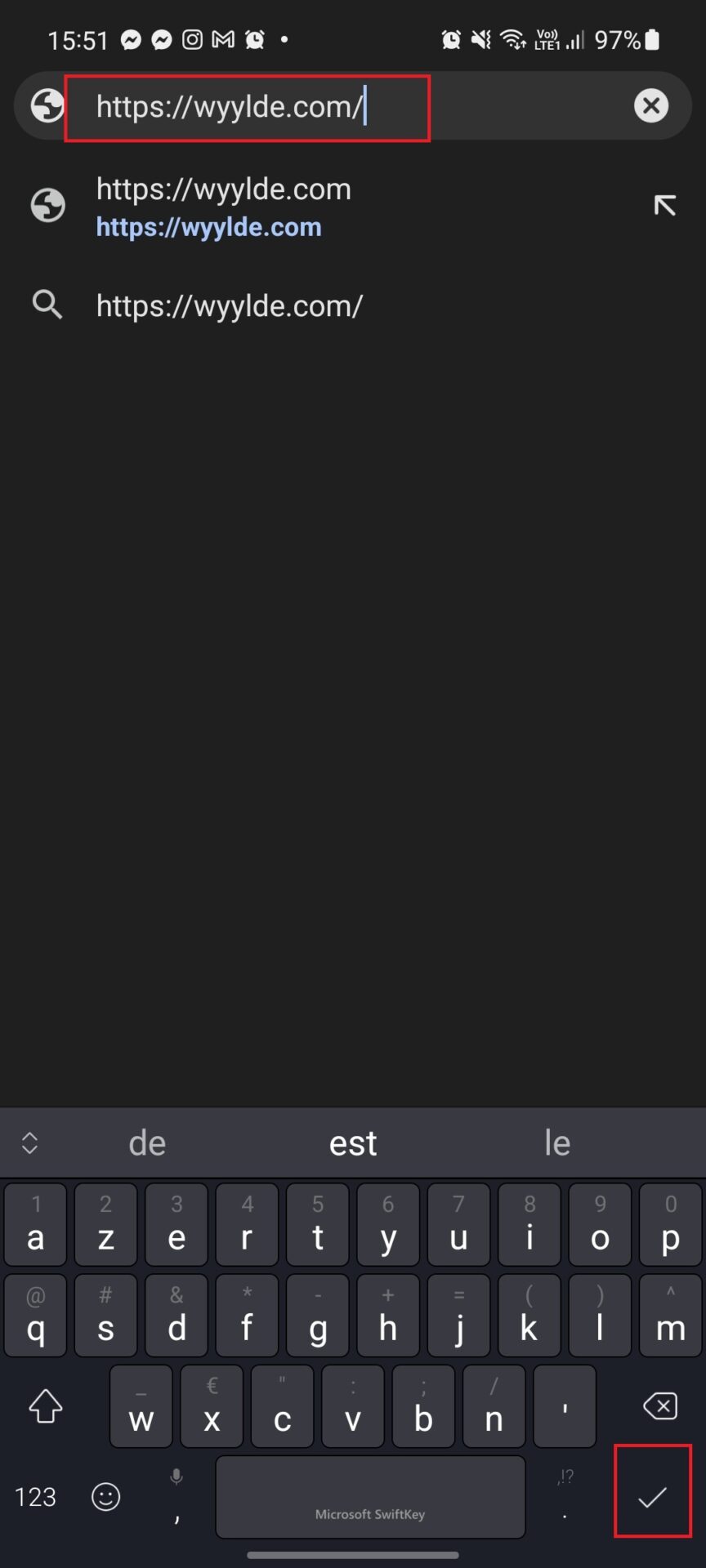
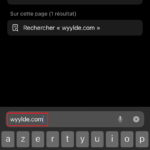
- The address bar is located at the top of your browser; in this bar, type Wyylde.com and press "Enter" or "Go".
- Once you are on Wyylde.com, click on "Sign In" or "Join Us" in the upper right corner, so you will have access to your account without any hassle.
- Now you should be on the Wyylde homepage and you have access to your contacts, news feed, events, lives, etc...
Discover also our full review of JM Date !

Not yet registered with Wyylde? Test our 7 day promotion code !
Add Wyylde to the iPhone home screen
To create a shortcut on your iPhone homepage will allow you to click directly on a button like an application to access your Wyylde account directly!
Quite practical when there is no application to go on your favorite social network, so we explain how to do :
- Go to Wyylde.com with your mobile browser (Follow the previous instructions)
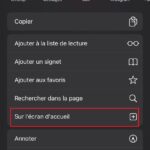
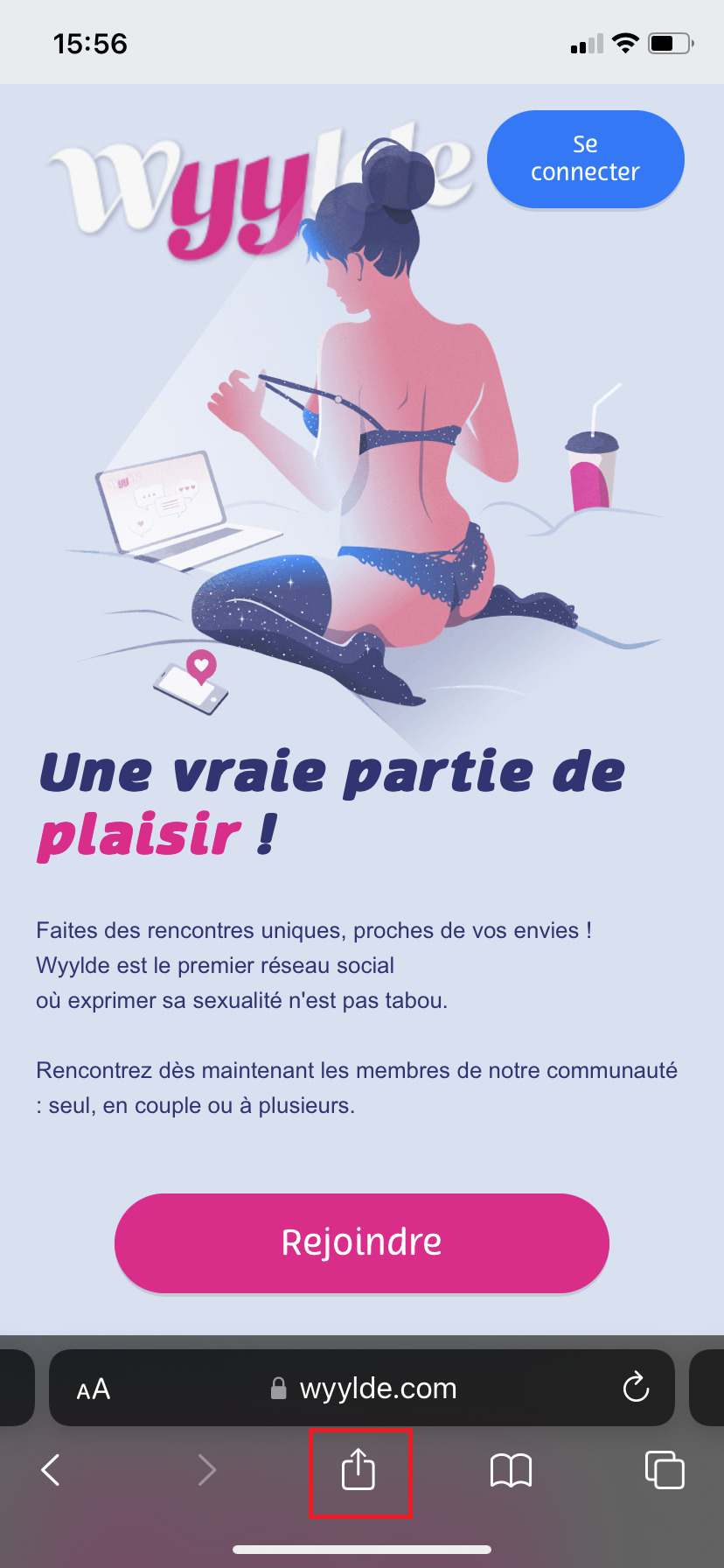
- When you are logged into your account, you can now click on the little "Share" icon at the bottom of your screen.
- Scroll down a bit, then click on "On the home screen".
- Choose the name you want to define that will be displayed below the icon on your home menu,
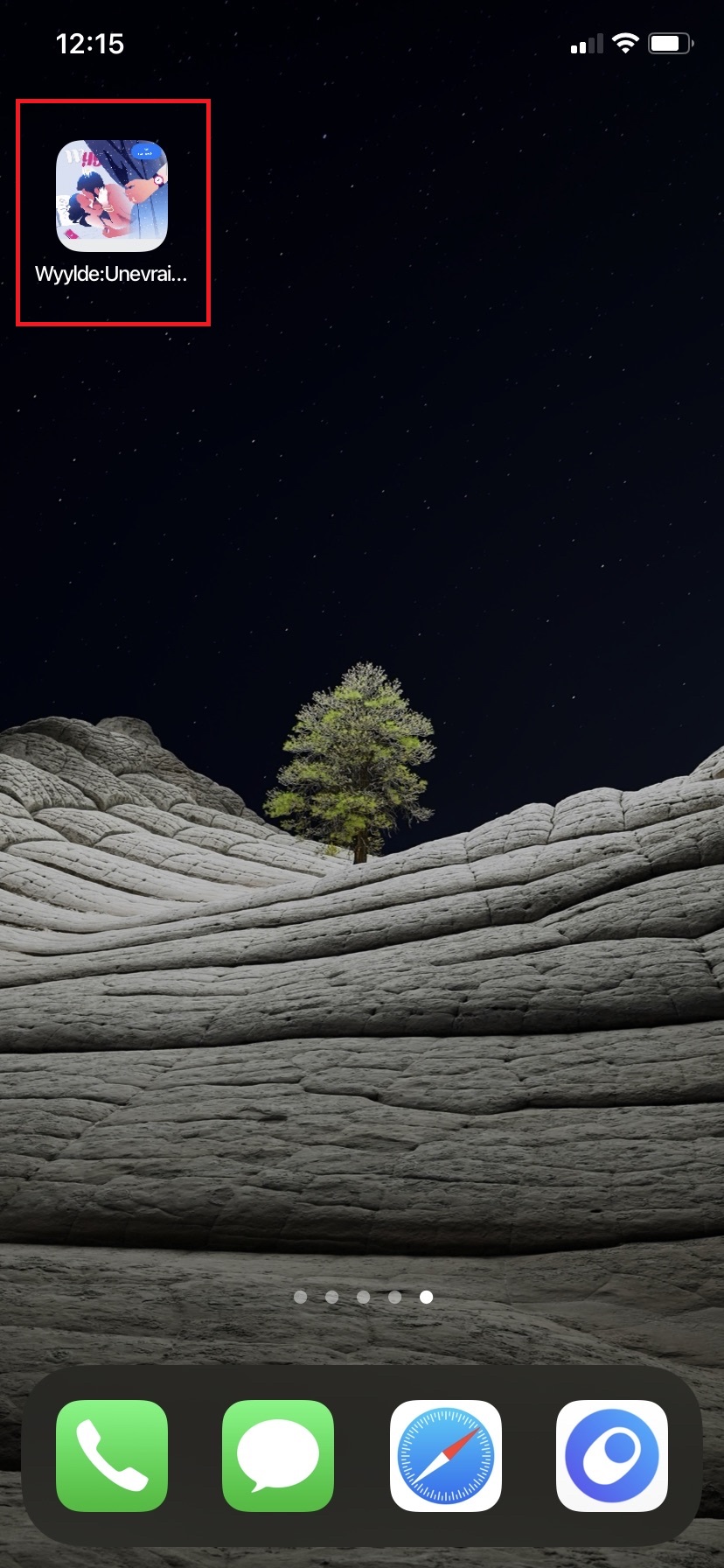
- You now have an app-style button that you can find among your favorite apps on your iOS home. Click on the icon and you're connected to Wyylde in seconds!



Add Wyylde to the Android home screen
You can put your account on the Wyylde website as a button on the homepage of your smartphone on your Android phone, this will allow you to access it in a few clicks in a very simple way.
Here's how to do it:
- Go to Wyylde.com with your mobile browser (Follow the previous instructions)
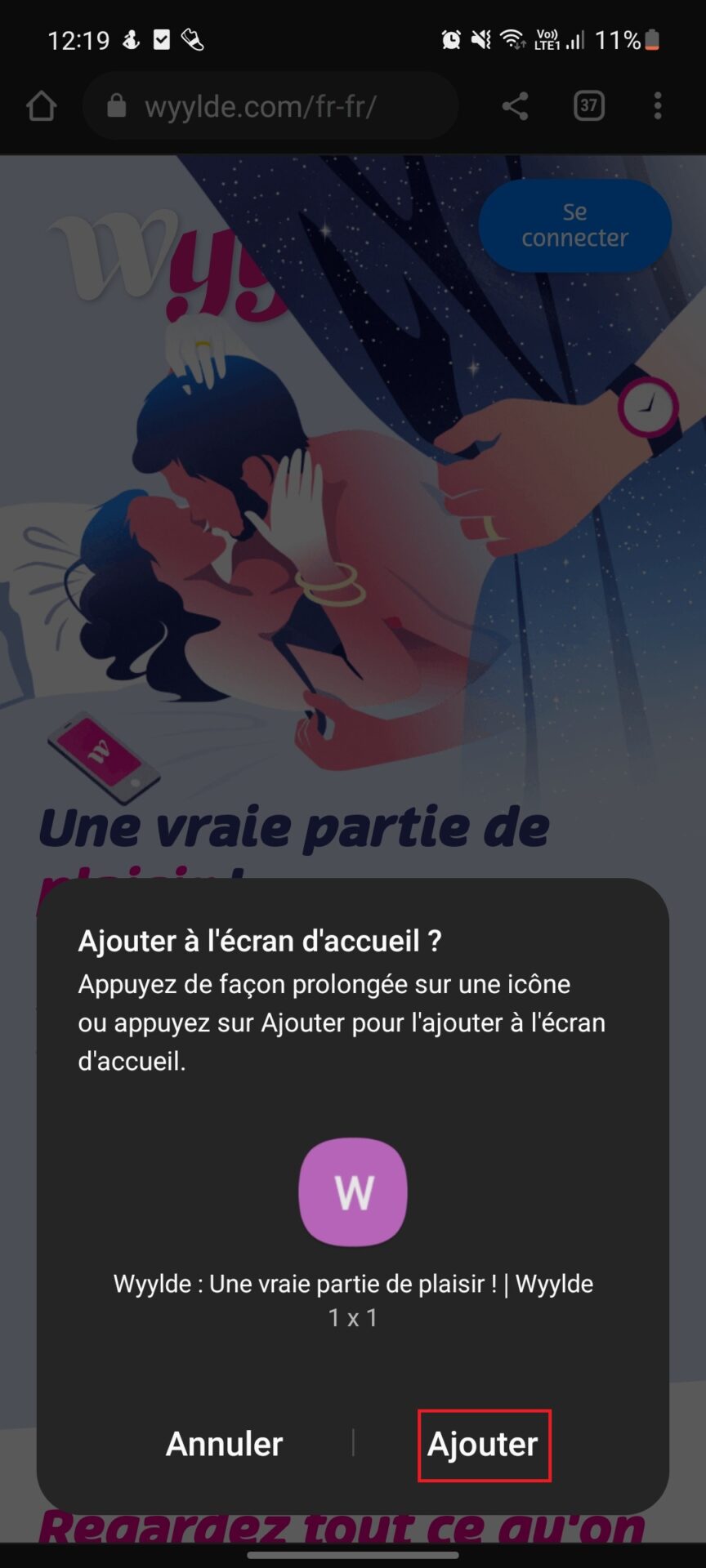
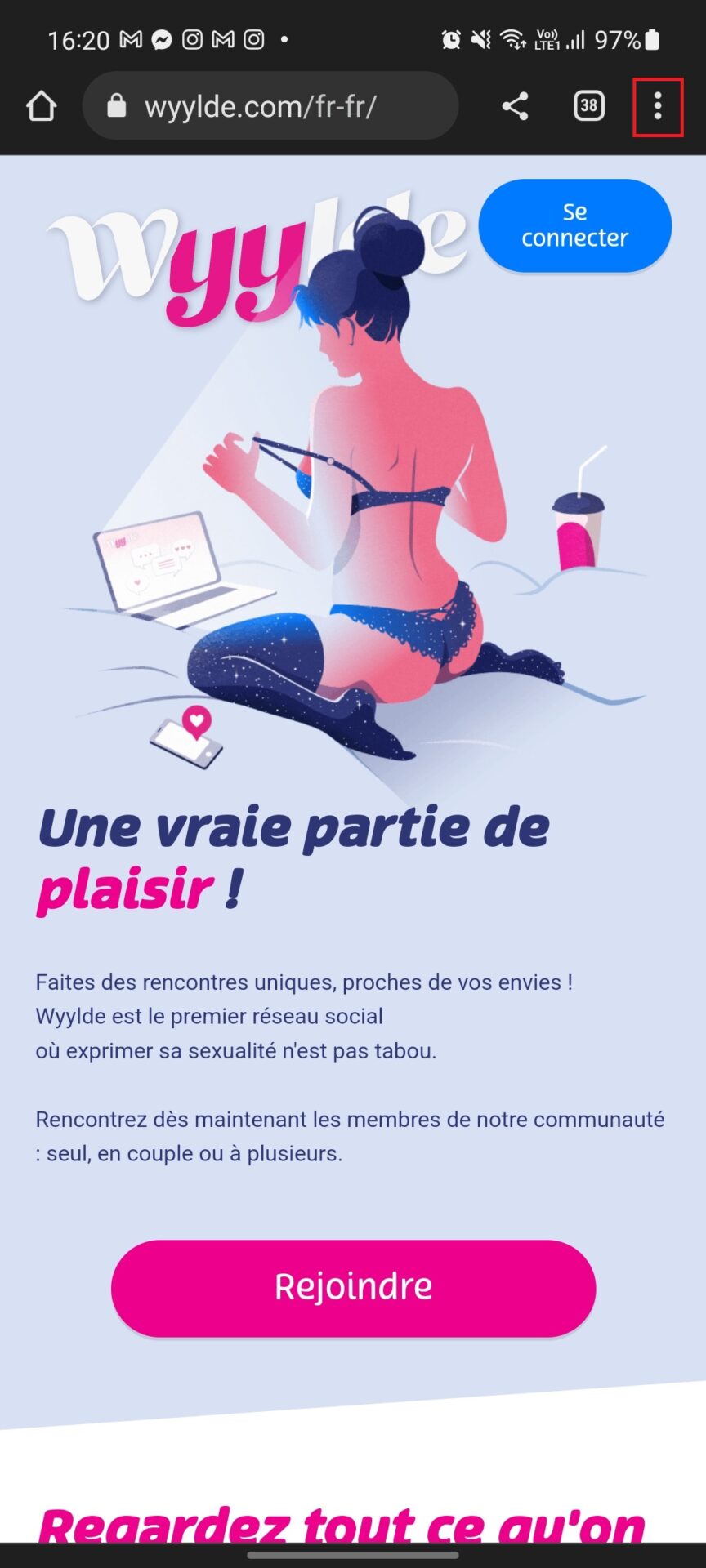
- When you are logged into your account, you can now click on the icon with the three small dots in the top right corner of your screen,
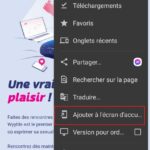
- Click on "Add to Home Screen
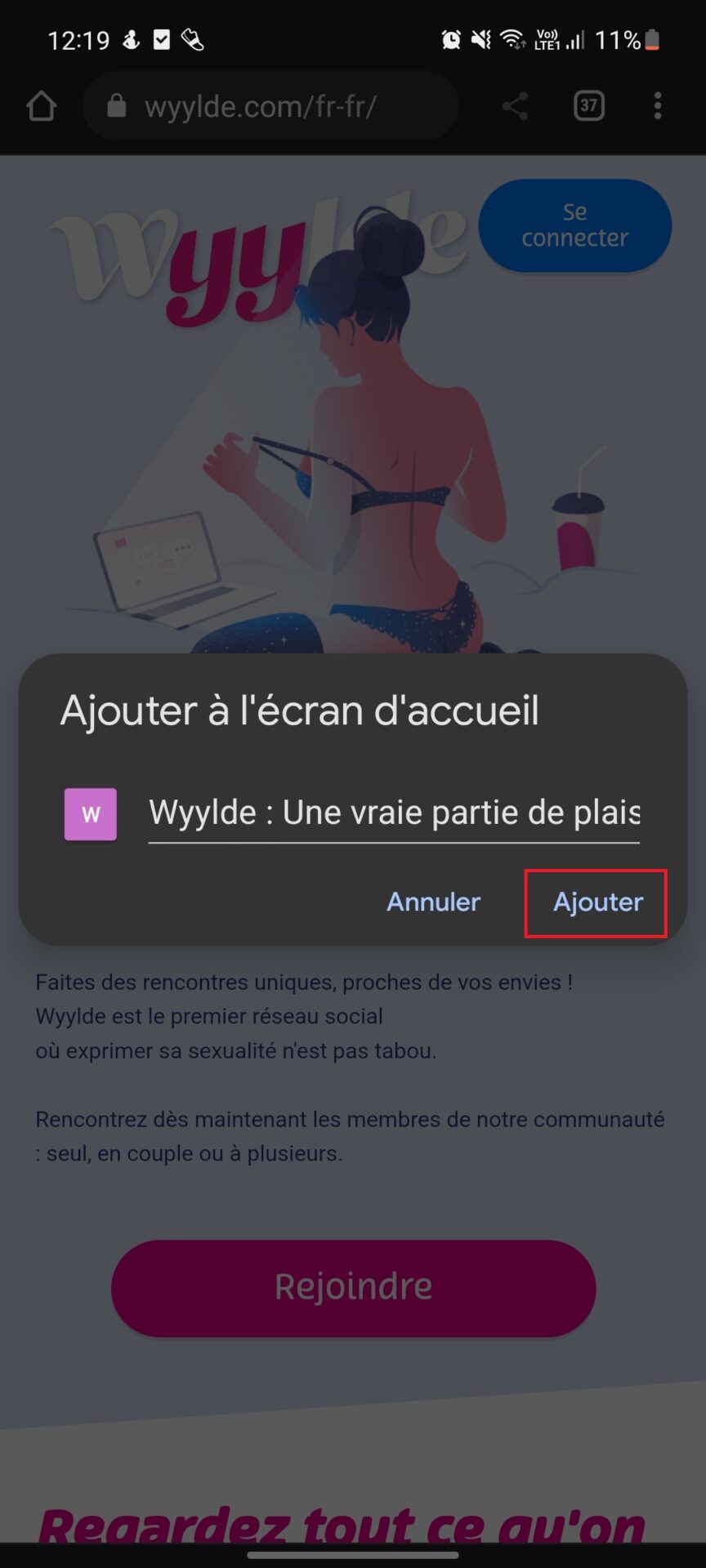
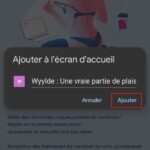
- Choose the name that will be displayed below the icon on your home menu,
- Notify us that you want to "add" Wyylde to your home screen.
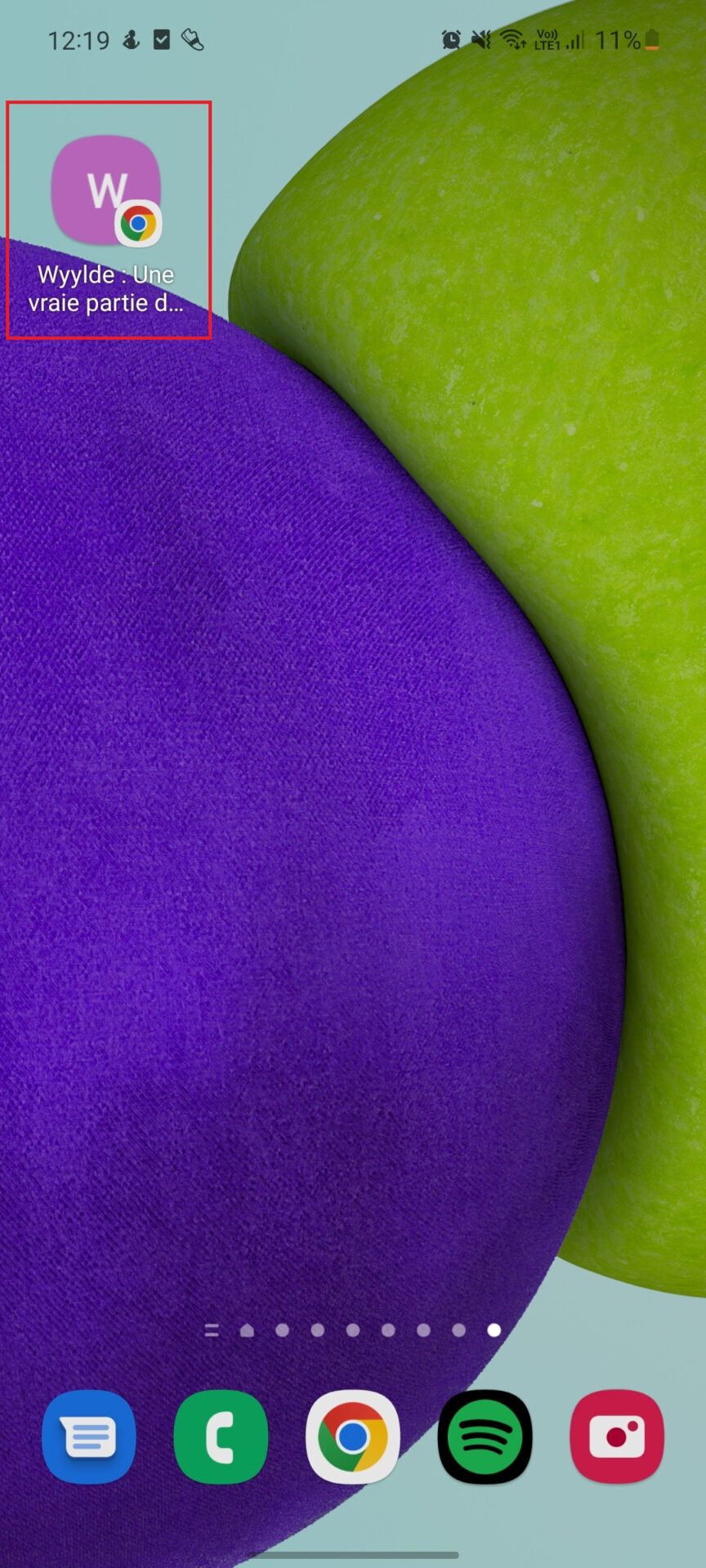
- Perfect! You now have an "application" style button that you can find in the middle of your applications on your Android home



You may be interested in this: Why do I have a Neteck-VPC debit on my bank statement?
Wyylde APK: installation not recommended
An APK (Android Package Kit) file is the packaging format for Android applications, enabling software to be installed outside the Google Play Store.
Wyylde does not offer no official APK for Android; any Wyylde application distributed outside the official stores comes from unverified third-party sources. We do not recommend download a file .apk for the following reasons:
- Security compromised : Unofficial APKs may contain malware or have been modified, putting your personal data and your smartphone at risk.
- No reliable updates : Without an official APK, you will not automatically receive updates from the Wyylde appyou'll have to manually re-download uncertain versions.
No support : In the event of a problem with the Wyylde application, support services will not be able to help you if you are using an unauthorized APK version.
Optimize your use of Wyylde on mobile devices
To take full advantage of Wyylde from your smartphone, here are a few settings to activate:
- Activate push notifications When Wyylde suggests it, enable notifications in your browser. You'll receive messages, likes and event invitations in real time, just like on a real app.
- Authorize geolocation Wyylde offers profiles and events in your vicinity. By enabling localization, you'll get more relevant suggestions and be able to spot libertines near you.
- Switch to dark mode The mobile version adapts to your browser settings. Activate dark mode for better visual comfort, especially in the evening.
- Complete your profile as fully as possible The more detailed your profile, the more the algorithm will connect you to the right profiles.
Soon an application on AppStore and Play Store for Wyylde?
For the moment, there are no Wyylde applications planned for any store (AppStore or Play Store), but the simplified mobile use of their website means they don't need to develop an application, and remains a simplified way of using their service without having to download anything.
However, this may change in the future but for now it seems that Wyylde wants to keep things simple and easy for users.
Frequently asked questions about Wyylde mobile :
Is an application being developed?
At the moment, no development has been announced for any wyylde application.
We are of course not safe that one day the creators of the site will consider the subject, but for the moment the site being 100% optimized for use on mobile or tablet, it is not in the taste of days.
Does the Wyylde mobile site consume a lot of data?
No: it's lightweight and designed to minimize bandwidth usage. Images and videos load on demand. You can also limit media display in the options to save data.
How do you report a bug or inappropriate content from a smartphone?
Go to the "Help" section of the mobile version and select "Support". Describe the problem or abuse clearly. The moderation team will get back to you as soon as possible.
Can I customize Wyylde's mobile display?
Yes: the web interface adjusts its theme and layout to your browser. Change the text size and activate the dark mode in your mobile browser settings. This will optimize your visual comfort.